Where to download Sharp Copier Print Drivers
Sharp has moved their print drivers into a convoluted area of their website with a lot of clicking and form filling. We’ve simplified the process by adding direct download buttons on our Sharp Print Drivers page. We constantly update the links to keep up with the most current Sharp copier print drivers. You can download then and install them from our Sharp Print Drivers page. Sharp changes the links to the driver executables from time to time when they release new version, and we keep the download buttons current.

Installing Sharp Print Drivers
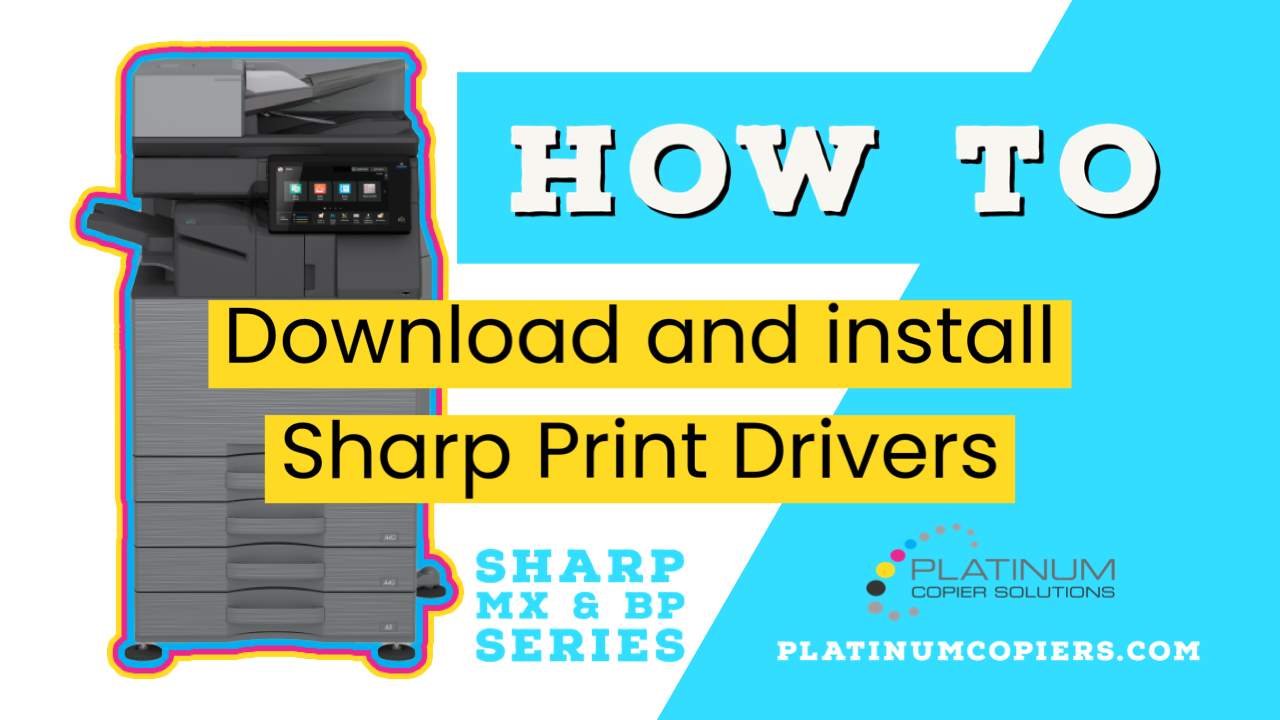
Installing the drivers using the executable files from our Sharp Print Drivers page is a snap. You’ll click the button to download the most current drivers, then run the .exe file that dumps into your Downloads folder. For visual learners we have put together a quick video showing the process.
- Navigate to platinumcopiers.com/drivers
- Click the button pertaining to your Sharp Printer model.
- Open your Downloads folder and run the .exe file that you’ve just downloaded
- The Setup file is pretty straightforward. Click Next and Standard Installation to move things along
- When the Setup file searches your network it may find more than 1 option for each printer. In this case check the option using the IP address.
- Leave “Run Autoconfiguration” checked and finish the setup
- Once the printer is installed, open your computer’s Control Panel and then open the Devices and Printers Menu
- Right click on the printer you installed, and then click Printer Properties
- Move to the Advanced tab and then click Printing Defaults
- We recommend changing the 2-Sided drop-down menu to None, and the Color mode to B&W if you’d like to have to chose when you want color.
- Click Apply.
- If your copier has user control activated and you have to enter codes to make copies or scan, go to the Job Handling tab, change the Authentication mode to User Number, and enter your PIN and Apply.
Sharp Print Drivers from the Manufacturer
If you would prefer to download your Sharp print drivers from the manufacturer, you can do so on their drivers page, but be warned, there is a lot more clicking involved!
Sharp Copier Quote
Platinum Copiers is the premier Sharp dealer in Houston and the largest in Texas. We will take care of your entire office’s office technology needs. Request a free quote for new requirements, or for comparison with your current contracts. We work with a network of dealers around the USA and we’d love to help you consolidate all of your office equipment needs to one vendor. Contact us today!

Kimberly Gonzalez founded Platinum Copier Solutions in 2007 after building her career in the copier and office equipment industry, which began at just 19 years old, selling Xerox copiers. Her early hands-on experience sparked a lifelong passion for document systems and office technology, ultimately inspiring her to launch her own company. As the 100 percent owner, Kimberly continues to lead Platinum Copier Solutions with a clear vision and commitment to quality.