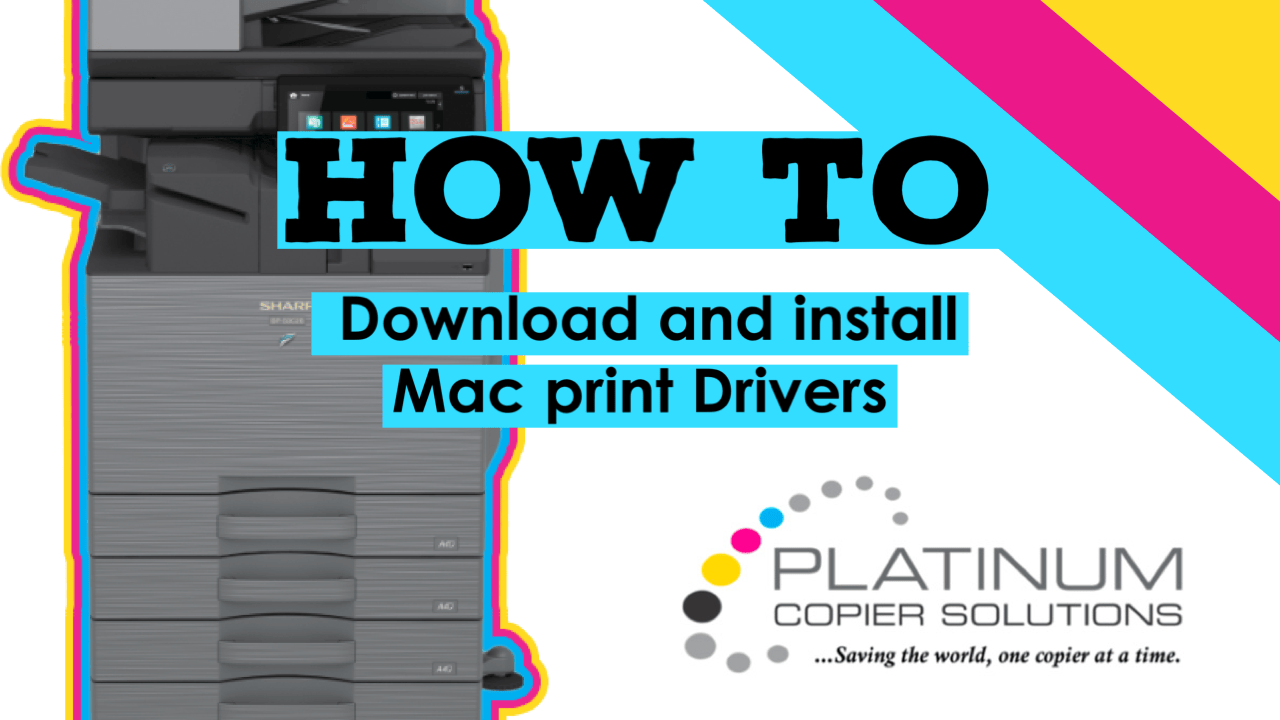
DISCLAIMER: To print properly from a Mac, your copier needs to have PostScript. Some models include PostScript as a standard feature, while others offer it as an add-on. Contact us to add PostScript if your model does not have it.
Getting Your Machine’s IP Address
Before we begin, we will need the IP address from your copier. I have put together a short video below showing how to retrieve it. Once you have your IP address, we can begin downloading and installing the print drivers.
How-To Video for Downloading and Installing Sharp Print Drivers on a Mac
How to Download Sharp Print Drivers for macOS
Head to Google and type in “Sharp print drivers.” The top result should be for
business.sharpusa.com.
Click this link to open the drivers page.
- Choose MFP from the first drop-down menu
- Choose your printer model from the second drop-down menu
- Choose Drivers and Utilities from the third drop-down menu
- Click Search
- Click Download
- Choose your OS (select the newest version if your version is not listed)
- Click the link labeled Mac PS driver
- Scroll to the bottom of the page and click Download again
- Open the download and run the package to install the driver
- Open System Settings and click Printers & Scanners
- Click Add Printer
- Go to the IP tab and enter the printer’s IP address
- Ensure the protocol is set to LPD (IMPORTANT)
- If the model does not auto-populate, click Use → Select Software and choose your model
- Click Add and select your copier’s optional accessories
How to Enter User Codes for Printing on macOS
- Open the document you want to print
- Go to File → Print
- Open the menu labeled Printer Options and select Job Handling
- Go to the Authentication tab and select User Number
- Enter your user number and click OK
- Click Print
Nationwide Sales and Service
Platinum Copier Solutions is the premier Sharp copier dealer in Texas, but we can cover your office equipment needs nationwide! We work with a network of certified Sharp providers around the country to provide coverage to all 50 states. Your business has one company to contact for all sales, service and supply requests.
Perks of using one vendor company-wide:
- Consolidated billing
- Live voice answering for service dispatch and supply orders nationwide
- Uniform fleet with matching interfaces and supplies
- Standardized “clone” file so all of your equipment has identical settings (security, network settings, interface customization)
- Support tools for IT staff to manage entire fleet
- Automated meter reading collection
- Proactive toner shipment (*opt-in)
Let’s get started.



Kimberly Gonzalez founded Platinum Copier Solutions in 2007 after building her career in the copier and office equipment industry, which began at just 19 years old, selling Xerox copiers. Her early hands-on experience sparked a lifelong passion for document systems and office technology, ultimately inspiring her to launch her own company. As the 100 percent owner, Kimberly continues to lead Platinum Copier Solutions with a clear vision and commitment to quality.