
Print Software

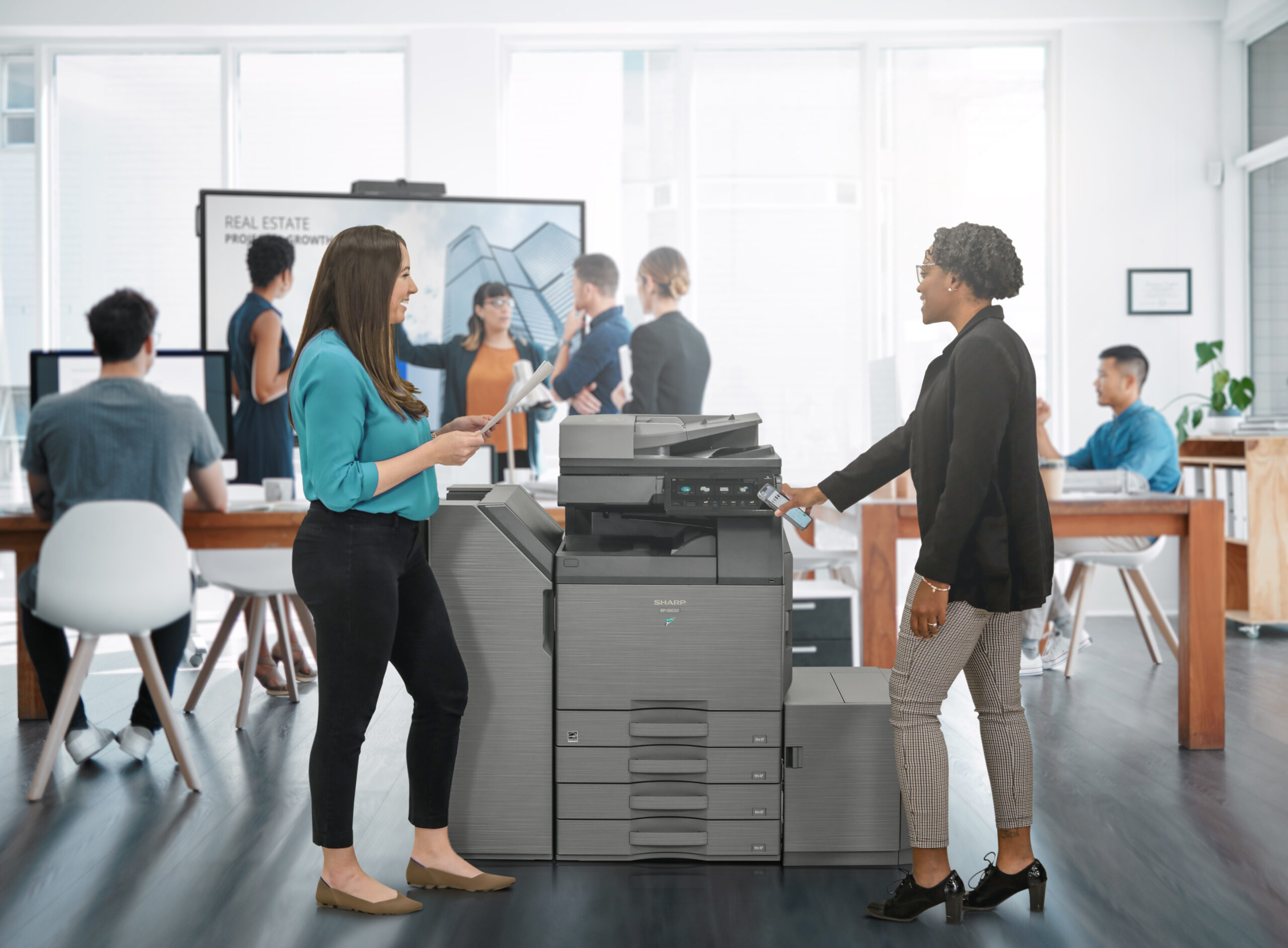

Sharp Synappx Manage
Sharp Synappx Manage is a cloud-based platform that helps you monitor and manage your Sharp multifunction printers and displays from a single portal. It lets IT administrators see device status, usage, and security, and automate tasks to reduce downtime across departments. The software gives remote troubleshooting and maintenance features that help keep your equipment running smoothly with less manual effort.
PaperCut MF
PaperCut MF is print management software that helps you control printing, copying, scanning, and faxing while improving security. It works across platforms and devices, supports mobile printing, and lets you set rules like user quotas or secure print release so jobs aren’t printed until the user is at the machine. PaperCut also offers reporting and analytics to help you understand usage and costs. It integrates with your existing print fleet for easy control and setup.
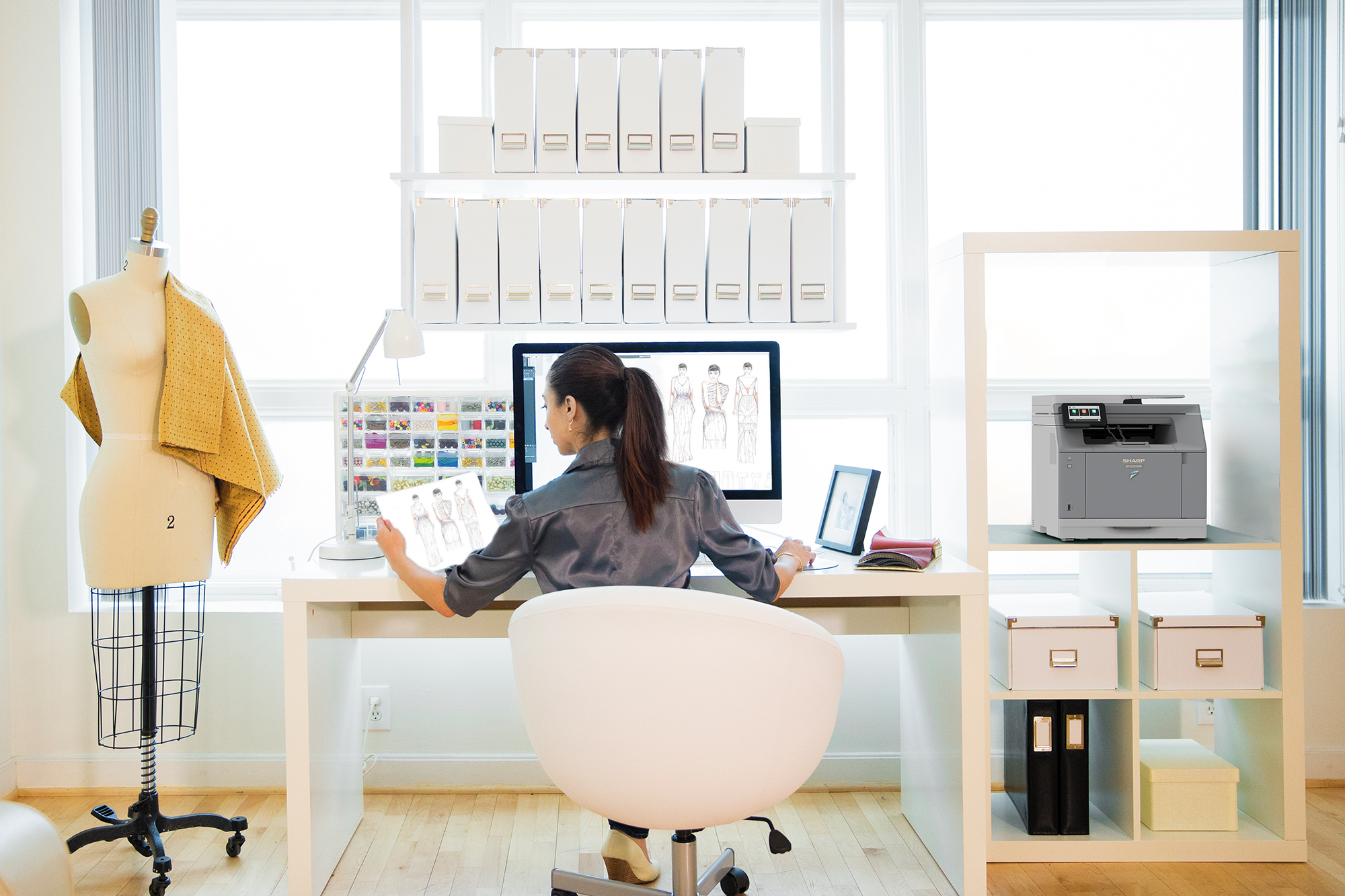
Drivve Print by LRS
Drivve Print is a print management solution that helps organizations track and control printing and copying across their network. It gives you detailed usage tracking, rules-based printing, secure job release, device authentication, and reporting tools that help reduce costs and waste. With Drivve, users can print securely and administrators can manage print policies from a central dashboard. It also supports mobile and guest printing for your convenience.
eGoldFax
eGoldFax provides secure fax integration for your multifunction printers and copiers, so you can send and receive faxes without needing a traditional fax machine. It uses secure protocols and integrates directly with your MFP, helping you meet compliance and protect sensitive information. You can send faxes from your copier or networked device with enhanced security and reporting.

PrinterLogic by Vasion
PrinterLogic is print management software that eliminates the need for traditional print servers by giving you centralized control of printers and drivers from a web console. It makes printer deployment and management easier for IT teams, simplifies driver distribution, and lets users install printers themselves without help desk support. With PrinterLogic, you get a scalable solution that can grow with your office and reduce complexity in your print environment.
Why Office Managers Choose Platinum

Expert Customer Support Every Time
Our certified technicians provide fast, personalized support both on-site and virtually for businesses of all sizes.

Access to Top Office Equipment
We partner with Sharp, HP, and RICOH, and other brands to offer the latest products, including models not listed online.

Flexible Purchasing Options
We offer buy, lease, or rental equipment options with financing solutions to fit any office budget or growth plan.

Proven Reputation & Track Record
Over 60 years of experience, 130+ five-star reviews, and industry recognitions back the trust we've built in our community.
Need Service & Support Fast?

Resource Center

Request Service

Downloads
FAQs About Print Software
How do I know which print software is right for my office?
Choosing the right software depends on the features you need, such as print tracking, secure job release, document workflows, and fax integration. Our team will review your current setup and goals to recommend the best solution for your environment. We make sure the software works with your Sharp, HP, RICOH, or other devices. With our one-on-one training, your team will be able to start using it right away.
Will this software work with any printers or copiers?
Most of the software solutions we offer work with many major brands, including Sharp, HP, and RICOH devices. PaperCut and Drivve support cross-platform printing and mobile print release. Some tools, like Synappx Manage, are specifically designed for Sharp devices but also help manage multi-vendor fleets when configured properly. Our technicians will help guide you on the best configuration based on your exact hardware.
Can print software help reduce printing costs?
Yes, tools like PaperCut and Drivve include features that help you see where printing is being used most and set rules to reduce waste. You can limit unnecessary color printing, enforce duplex (two-sided) printing, and track usage from certain departments or users. This helps lower toner, paper, and overall operational costs over time.
Does print software improve document security?
Yes! Many solutions (such as PaperCut’s secure release and eGoldFax’s encrypted faxing) help protect sensitive documents before, during, and after printing. Synappx Manage also helps monitor device security and automate compliance policies. Together, these tools help prevent unauthorized access and protect your business data from unauthorized access.
Do you provide support after installation?
Absolutely. Platinum Copier Solutions provides ongoing support for all the print and document software we install. We help with updates, troubleshooting, and questions so your software continues to run smoothly with your office equipment. It’s our goal to ensure you receive the most value from your print and document tools.
Your Office Equipment Dealer
Serving Texas & Throughout the United States







Let’s Make Your Office
Equipment Effortless
Stop worrying about downtime and outdated technology. Get reliable office copiers and printers with flexible leasing options and lifetime local support tailored to your business needs.