
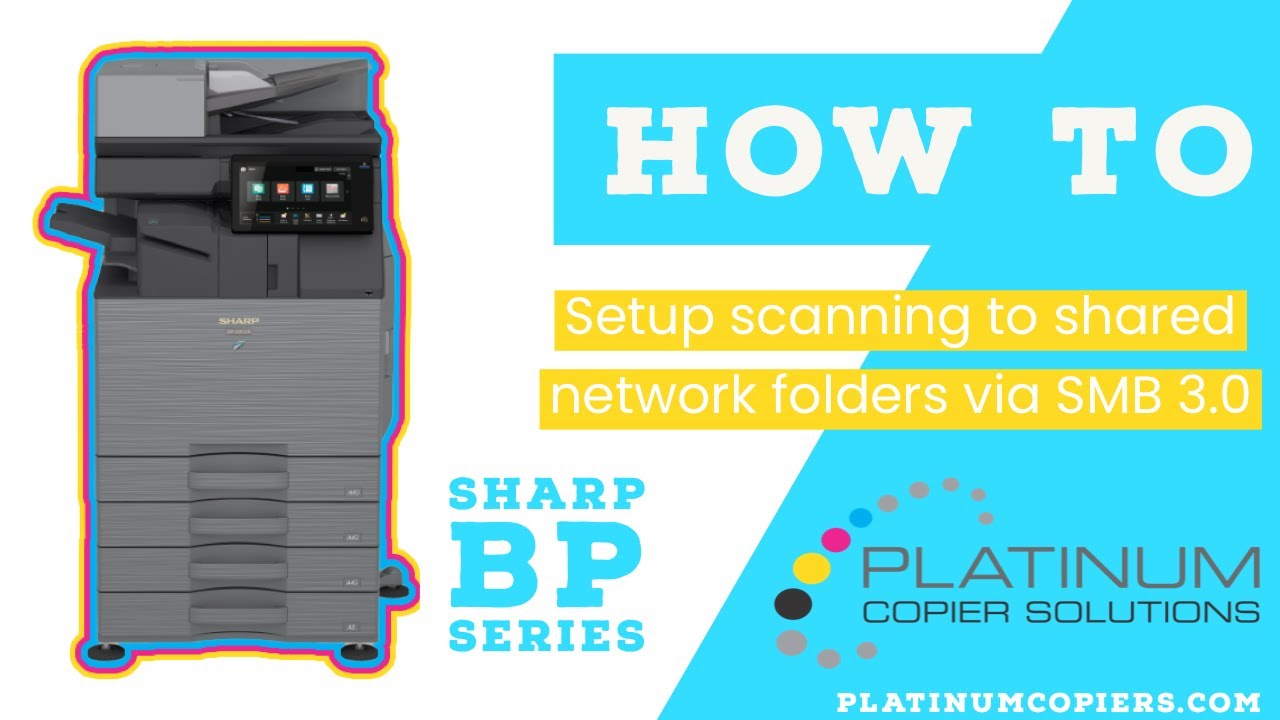
Set up scanning to shared network folders with SMB 3.0 on Sharp BP Series machines. These instructions pertain to all models in the new BP series.
Before you begin, you’ll need your machine’s IP address. You can find it by following these instructions.
BP-70C31, BP-70C36, BP-70C45, BP-50C26, BP-50C31, BP-50C36, BP-50C45, BP-70C55, BP-70C65, BP-50C55, BP-50C65, BP-50M26, BP-50M31, BP-50M36, BP-50M45, BP-50M55, BP-50M65, BP-70M31, BP-70M36, BP-70M45, BP-70M55, BP-70M65
How-To Video Tutorial

Kimberly Gonzalez founded Platinum Copier Solutions in 2007 after building her career in the copier and office equipment industry, which began at just 19 years old, selling Xerox copiers. Her early hands-on experience sparked a lifelong passion for document systems and office technology, ultimately inspiring her to launch her own company. As the 100 percent owner, Kimberly continues to lead Platinum Copier Solutions with a clear vision and commitment to quality.
![How To Scan on your Sharp Copier [Video]](https://platinumcopier.itvibes.org/wp-content/uploads/2026/03/youtube-thumbnail-video-1080x675.jpg)
![How to Setup Scanning to Email with Office 365 on Sharp Copier [Video]](https://platinumcopier.itvibes.org/wp-content/uploads/2026/03/scanning-to-email-1080x675.jpg)