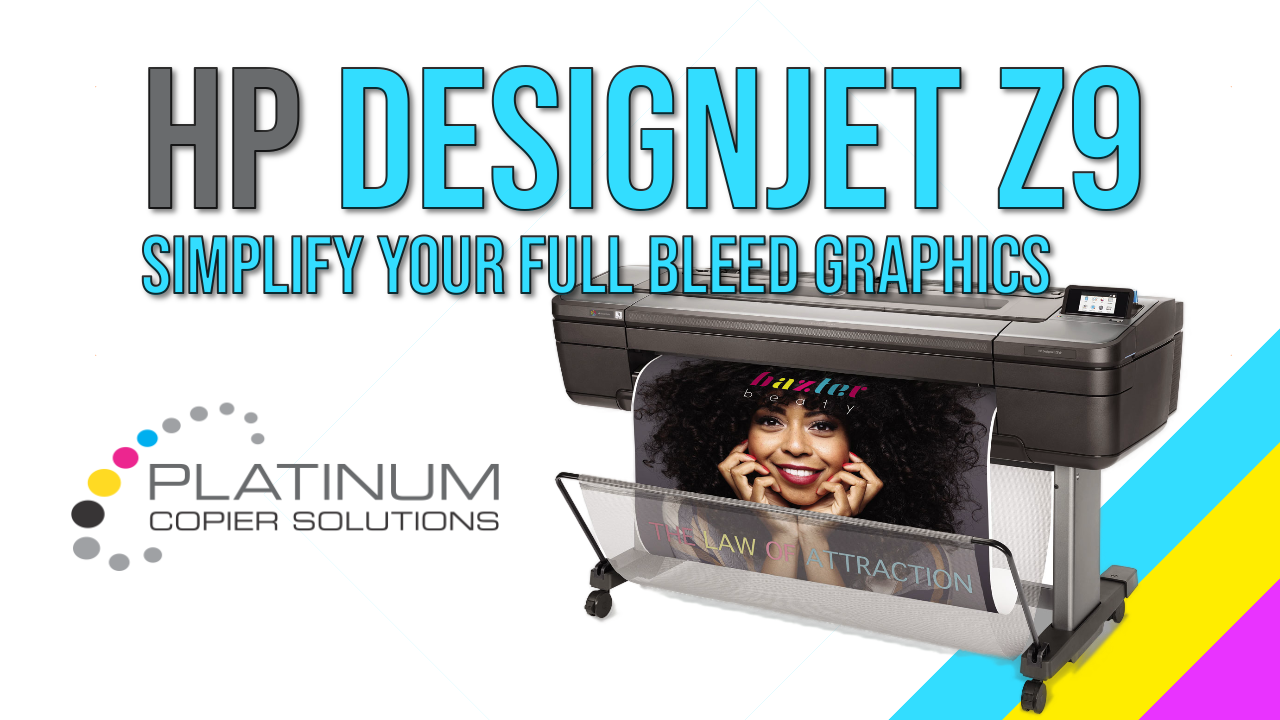
Large-format printing has always been a balancing act between color accuracy, speed, and finishing. The HP DesignJet Z9 series already checks the first two boxes with its sharp detail, smooth gradients, and efficient workflow. But when you pair it with the optional HP Vertical Trimmer (V-Trimmer), the Z9 becomes something else entirely—a full-bleed production machine that eliminates one of the most persistent bottlenecks in print shops: manual trimming.
If you’ve ever wrestled with oversized prints, uneven borders, or the time sink of hand-cutting posters, the V-Trimmer is the upgrade that changes the game.
Why the V-Trimmer Matters
The Z9’s print quality is impressive on its own, but the V-Trimmer adds a finishing capability that transforms the printer from “high-quality” to “high-efficiency.” Instead of printing with extra margins and trimming manually, the V-Trimmer cuts the print as it exits the printer, vertically and automatically.
That means:
- Perfectly straight, consistent edges
- No manual trimming labor
- Faster turnaround times
- Cleaner, more professional presentation
But the real star of the show is what this enables: true full-bleed printing.
Full-Bleed Printing: What It Is and Why It Matters
Full-bleed printing means your image extends all the way to the edge of the paper—no white borders, no extra trimming, no compromises. For many applications, full bleed isn’t just a preference; it’s a requirement.
Think about:
- Retail posters
- Event signage
- Architectural presentations
- Gallery prints
- Maps and infographics
- Photo enlargements
Without full bleed, these pieces look unfinished. With it, they look polished,immersive, and production-ready.
The challenge has always been achieving full bleed without a separate finishing step. That’s where the V-Trimmer shines.
How the V-Trimmer Enables True Full Bleed
The V-Trimmer is mounted directly on the printer’s output path. As the print emerges, the trimmer automatically cuts the left and right edges to the exact width of the image. This means you can print edge-to-edge on roll media without worrying about the typical “safety margins” required for manual trimming.
Key advantages:
- Edge-to-edge precision
The trimmer follows the print path perfectly, ensuring both sides are cut cleanly and symmetrically. - Consistent results at scale
Whether you’re printing one poster or a hundred, every piece comes out identical. - Reduced waste
No more oversized margins or trimming errors. - Hands-off workflow
Load the roll, hit print, and collect finished, full-bleed prints.
This is especially valuable for shops that run high-volume poster production or need same-day turnaround.

A Real-World Workflow Boost
Imagine printing a batch of 50 full-bleed 24×36 posters. Without the V-Trimmer, you’d need to:
- Print with extra margin
- Move the prints to a cutting table
- Trim each side manually
- Inspect for errors
- Reprint anything that wasn’t cut perfectly
With the Z9 + V-Trimmer:
- Collect finished posters
That’s it. The time savings alone can justify the upgrade, but the consistency and professional finish seal the deal.
Who Benefits Most?
The Z9 with V-Trimmer is ideal for:
- Print shops offering same-day or next-day service
- In-house marketing departments
- Architectural and engineering firms
- Schools and universities
- Retail environments
- Photographers and fine-art printers
If your work involves posters, banners, or any roll-fed graphics where edge-to-edge presentation matters, the V-Trimmer is a productivity multiplier.
In Summary
The HP DesignJet Z9 is already a powerhouse for color-critical, large-format printing.But when you add the V-Trimmer, you unlock a level of automation and finishing precision that elevates your entire workflow. Full-bleed printing becomes effortless,consistent, and scalable—exactly what modern print environments need.
If you’re looking to reduce labor, eliminate trimming errors, and deliver flawless full-bleed prints straight off the printer, the Z9 with the V-Trimmer is one of the smartest investments you can make for your business.
Go All-In With Platinum Copier Solutions
Ready to transform the way your office works? Platinum Copier Solutions delivers industry-leading Sharp copiers, printers, and workflow technology backed by expert local service and support. Whether you’re looking to streamline document management, enhance security, or reduce costs, our team will tailor the right solution for your business. Don’t settle for off-the-shelf equipment—partner with Platinum Copier Solutions and experience the difference of a trusted technology provider.
Contact us today to schedule your consultation and discover how we can help your business work smarter.



Kimberly Gonzalez founded Platinum Copier Solutions in 2007 after building her career in the copier and office equipment industry, which began at just 19 years old, selling Xerox copiers. Her early hands-on experience sparked a lifelong passion for document systems and office technology, ultimately inspiring her to launch her own company. As the 100 percent owner, Kimberly continues to lead Platinum Copier Solutions with a clear vision and commitment to quality.