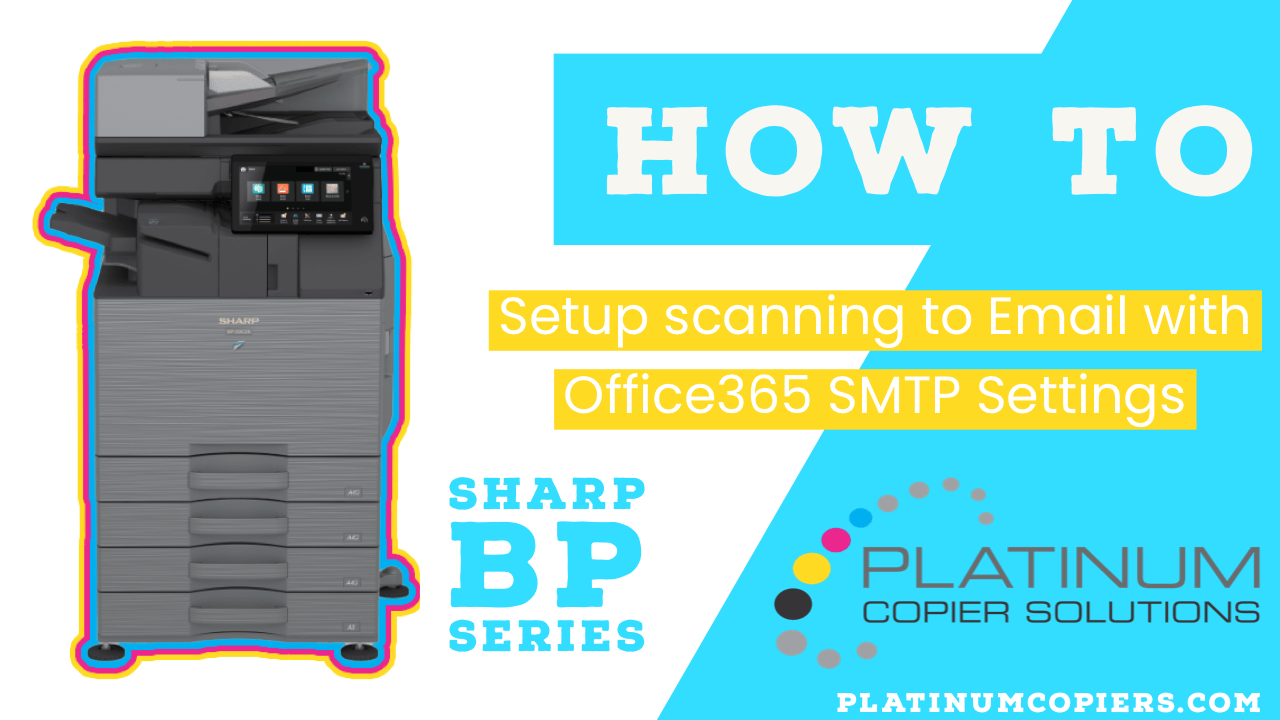
Microsoft Office 365 SMTP Settings in Sharp GUI
Office365 is quickly becoming the most popular email solutions, so we wanted to make sure you had the instructions you needed to configure your Sharp BP Series Multifunction copier to scan to your email using Office365 SMTP Settings.
- From the control panel, tap Settings
- Tap the Status tab
- Tap Network Settings from the left menu
- Scroll down to locate the IPv4 address and write it down
- On a computer, open a web browser and enter the IPv4 address to access the Sharp web GUI
- Click the Administrator Login button in the top-right corner
- Enter the administrator password and click Login
- Click the System Settings tab
- Click Network Settings
- Enter your DNS settings (refer to the video for guidance)
-
Office 365 SMTP Settings
- SMTP Server: smtp.office365.com
- Port Number: 587
- Enter a valid email address for the Reply-To field
- Enable SSL/TLS
- Enable SMTP Authentication
- Check Change Password and enter a valid Office 365 email address and password
- Click Submit at the top or bottom of the Network Quick Settings page
Sharp BP Models These Instructions Apply To
BP-70C31, BP-70C36, BP-70C45, BP-50C26, BP-50C31, BP-50C36, BP-50C45, BP-70C55, BP-70C65, BP-50C55, BP-50C65, BP-50M26, BP-50M31, BP-50M36, BP-50M45, BP-50M55, BP-50M65, BP-70M31, BP-70M36, BP-70M45, BP-70M55, BP-70M65
Nationwide Sales and Service
Platinum Copier Solutions is the premier Sharp copier dealer in Texas, but we can cover your office equipment needs nationwide! We work with a network of certified Sharp providers around the country to provide coverage to all 50 states. Your business has one company to contact for all sales, service and supply requests.
Perks of using one vendor company-wide:
- Consolidated billing
- Live voice answering for service dispatch and supply orders nationwide
- Uniform fleet with matching interfaces and supplies
- Standardized “clone” file so all of your equipment has identical settings (security, network settings, interface customization)
- Support tools for IT staff to manage entire fleet
- Automated meter reading collection
- Proactive toner shipment (*opt-in)
Let’s get started.



Kimberly Gonzalez founded Platinum Copier Solutions in 2007 after building her career in the copier and office equipment industry, which began at just 19 years old, selling Xerox copiers. Her early hands-on experience sparked a lifelong passion for document systems and office technology, ultimately inspiring her to launch her own company. As the 100 percent owner, Kimberly continues to lead Platinum Copier Solutions with a clear vision and commitment to quality.