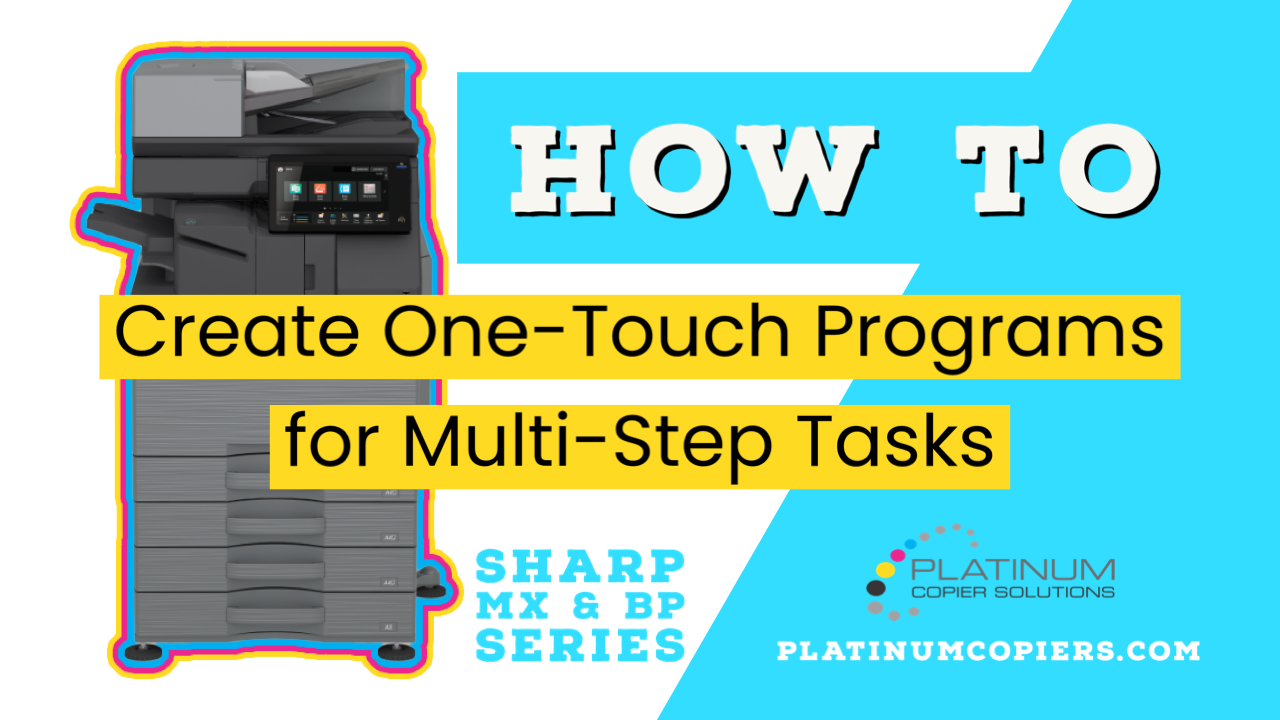
Why create one-touch programs?
In today’s office environment users are often scanning document to emails or folders more than copying or printing. For multi-step scan or copy tasks there is a great time saving feature built into Sharp copiers. Creating a one-touch key is quick and will help you minimize your time standing at the copier’s touch screen so you can focus on the task at hand.
What type of one-touch programs can be created?
For the purpose of this walkthrough I am going to show you how to create a one-touch key that will scan to a specific network folder, 2-sided, with the blank pages removed from the file that it output. If you have a task from the copier that involves a lot of button pressing you can set up your parameters then follow along from the step below that has Program Registration.
Video on How To Create a One-Touch Key on Sharp Copier Home Screen
Step-By-Step How To Create a One-Touch Key on Sharp Copier Home Screen
- Tap Scan

- Choose the destination you want to scan to, then tap OK

- Tap the Original button on the left menu

- Tap 2-sided booklet, then tap Blank Page Skip on the right side of the display

- Tap Skip Blank Page, then tap OK

- Tap Program Registration

- Tap an empty program button

- Name the program something that describes its functions, then tap OK

- Tap Register for Home

- Login as admin, the default password is admin – if you have a slide-out keyboard you can use that, otherwise use the on-screen keyboard. Tap OK twice to finish the login process.

- The program has been created on your home screen. If the home screen was full you may need to swipe or scroll the the right to find it. Time to test it out!

- Tap the one-touch program button you’ve just created

- Load your originals and tap Start to scan with your selected features



Kimberly Gonzalez founded Platinum Copier Solutions in 2007 after building her career in the copier and office equipment industry, which began at just 19 years old, selling Xerox copiers. Her early hands-on experience sparked a lifelong passion for document systems and office technology, ultimately inspiring her to launch her own company. As the 100 percent owner, Kimberly continues to lead Platinum Copier Solutions with a clear vision and commitment to quality.